


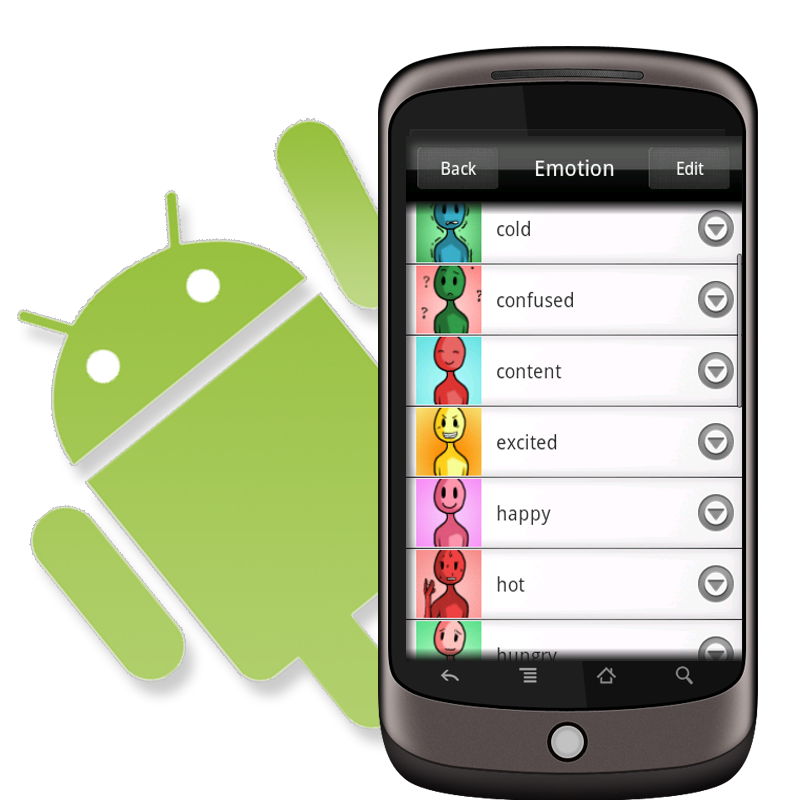
Voice4u Android public beta is available for FREE!
Starting June 18th (Pacific Coast Time) for 3 days, you will be able to download this the trial version of Voice4u for the Android for absolutely free!
As we mentioned earlier, we will be releasing a test version of Voice4u for the Android. This is a test version so it will be free of cost, but we ask that you please use it responsibly.
Here, we wrote how to download Android app on your device.
How to download Android app for your device >>
We would greatly appreciate it if we could have some of your feedback on the product.
Thank you for your help.
Notice:
In order to use this test version, you must have an Android OS 1.6 or higher.
Comments are closed.